Soft vs Hard Proofs Explained
Proofs are checkpoints that let you review a print project before the full run begins. In printing, soft vs hard proofs means digital preview versus physical sample, not mathematical proofs like the ones used in geometry class. Choosing the right proof helps you catch text, layout, color, and production problems before they become expensive reprints.
What is the difference between soft and hard proofs?
A soft proof is a digital file, usually a PDF, that you view on a computer or phone. It is fast, easy to share, and useful for checking spelling, page order, image placement, margins, and basic layout. The main limit is color: screens use light, while printing uses ink, so the color you see on screen may not match the final printed piece exactly.
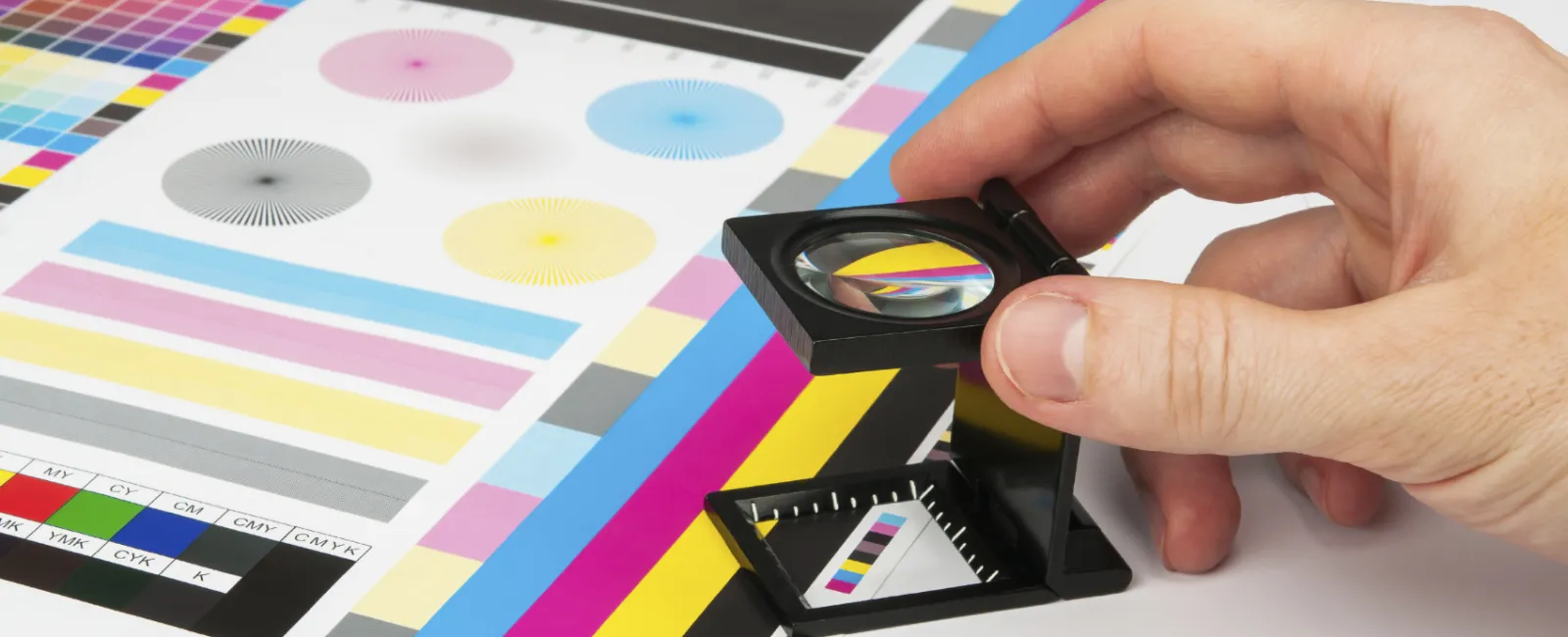
A hard proof is a physical printed sample. It lets you see how the design looks on paper, how colors print, how coatings reflect light, and how folds, cuts, or special finishes affect the finished piece. Hard proofs take more time and may cost more, but they give a clearer idea of what the final product will feel and look like.
The soft vs hard choice depends on risk
A soft proof is often enough when the job is simple, the timeline is tight, or the design does not depend on exact color. Think of a basic flyer, internal handout, or text-heavy booklet. In these cases, the biggest risks are usually typos, missing images, wrong page numbers, or layout mistakes.
A hard proof is a better choice when the job is high value, highly visual, or brand-sensitive. If a company logo must match a specific color, if the paper texture matters, or if the design includes folds, embossing, foil, die cuts, or heavy ink coverage, a physical proof is much safer. For large print runs, one small mistake can multiply quickly.
What should you check before approving a proof?
Proof approval matters because it usually tells the printer the file is ready for production. Once you approve it, changes may cause delays, extra costs, or a full reprint if the mistake is found too late. Review slowly and in stages instead of trying to catch everything at once.
Use this simple proofing checklist:
- Read the words first. Check spelling, names, dates, prices, phone numbers, and web addresses.
- Check the layout. Look for cut-off text, uneven spacing, wrong page order, and images too close to the edge.
- Review images and colors. On a soft proof, remember that screen color is only a guide. For exact color, request a hard proof or color proof.
- Confirm print details. Check size, paper type, folds, binding, coating, and finishing instructions.
- Ask another person to review it. Fresh eyes often catch what you miss.
Preflight checks and proofing work together
Before a proof is made, many printers run a preflight check. This means they inspect the file for technical issues such as missing fonts, low-resolution images, incorrect bleed, or file setup problems. Preflight can catch production problems, but it does not replace human review.
Proofing is where you decide whether the piece looks right and says the right thing. A file can pass preflight and still have a typo, a confusing layout, or a color that does not fit the brand. The best workflow uses both: technical checking first, careful proof review second.
The practical takeaway
Soft proofs are best for speed, convenience, and basic review. Hard proofs are best for color confidence, paper feel, special finishes, and higher-risk print jobs. When comparing soft vs hard, the smartest choice is not always the cheapest or fastest one; it is the proof that matches the cost of getting the job wrong.
Do you have any questions about proofs or any other printing questions? If so, give us a call at 866.367.6221. We'd be glad to help.
Take Care, Rick