Uncoated Paper and It's Uses
Have you ever tried to jot a note on a glossy flyer, only to have the ink smear right across your hand? It's a common frustration, and it isn't a faulty pen—it's the paper. That shiny, slippery surface is known as "coated" paper. Its more tactile and pen-friendly cousin is uncoated paper.
Think of uncoated paper as a tiny, tightly-pressed sponge. Its surface is porous, made of raw, open fibers that you can feel as a slight natural texture of uncoated paper. Run your finger across the page of a paperback novel or a sheet of standard office paper; that organic, slightly toothy feel is the hallmark of an uncoated stock. It feels more natural because it is.
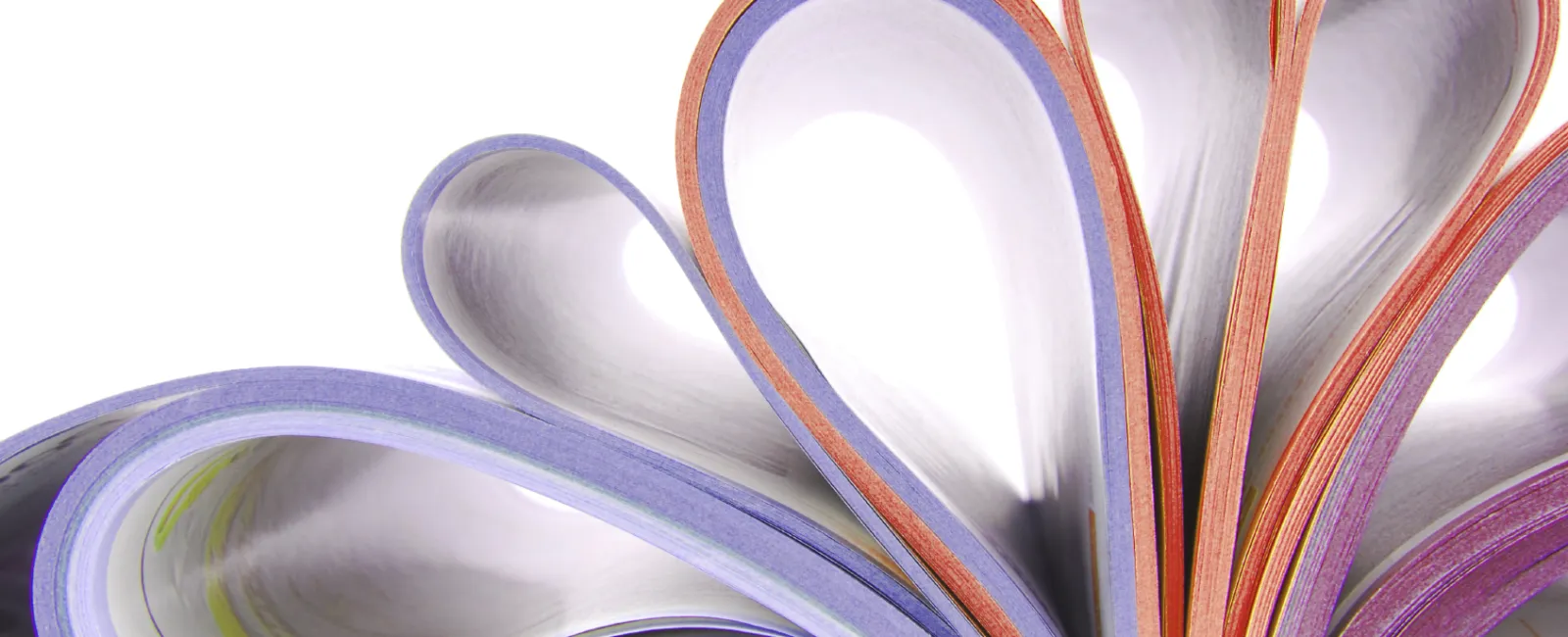
This porous nature directly controls uncoated paper ink absorption. As you can see in the image, ink doesn't just sit on top; it soaks into the paper's fibers. This quality is perfect for anything you need to write on, but it also causes printed colors to appear softer and warmer. In contrast, a coated paper acts like a raincoat, forcing ink to dry on the surface, which is why colors on a glossy magazine photo look so sharp and vibrant.
While a matte finish vs uncoated paper debate is common, matte is simply a non-shiny coating that still seals the paper. Truly uncoated paper is in a class of its own, offering a distinct look and feel that can make your projects appear more classic, sophisticated, and inviting.

5 Common Projects That Look and Feel Better on Uncoated Paper
Because uncoated paper acts like a sponge for ink, its most obvious superpower becomes clear: anything you need to write on is a perfect match. This quality prevents the dreaded pen smear you get on glossy surfaces, making it the undisputed champion for personal and professional correspondence.
Beyond its writeability, uncoated paper's non-reflective surface is much easier on the eyes. Without the glare of a coated or glossy sheet, text appears softer and is more comfortable to read for long periods. This makes it the standard choice for novels, reports, and any document where clarity and readability are top priorities.
Finally, don't underestimate the power of touch. The natural, tactile texture of a high-quality uncoated stock sends a subtle message of its own. It can feel organic and earthy for a rustic wedding invitation or substantial and professional for a business card that needs to stand out from the stack.
Considering these strengths, here are five of the best uses for uncoated paper stock:
Letterhead, Stationery, and Notepads: For a smudge-free and classic writing experience.
Workbooks, Planners, and Forms: Ensures any fill-in-the-blank area is easy to use with pen or pencil.
Books and Reading-Intensive Booklets: Reduces eye strain with its glare-free finish.
Elegant and Rustic Invitations: The texture of a premium uncoated paper adds a touch of luxury or an organic feel.
Resumes and Professional Documents: Signals quality and substance before a single word is even read.
Warning: When to AVOID Uncoated Paper for Your Print Projects
As great as uncoated paper is for writing and reading, its absorbent nature can be a major drawback for projects that rely on brilliant color. Because the ink soaks into the paper's fibers instead of sitting on a sealed surface, colors often appear softer and less saturated. If your design is a photo-heavy flyer or a vibrant poster where you want the colors to leap off the page, an uncoated stock will likely leave you with a more muted result compared to its coated counterparts.
That same ink absorption can also affect image sharpness. As the ink settles into the paper, its edges can spread slightly, which can soften very fine details. For most standard text this is unnoticeable, but if your design includes intricate patterns or tiny, delicate fonts, those elements may lose some of their crispness. On a coated sheet, the ink has nowhere to spread, which keeps those razor-sharp lines intact.
Finally, consider the lifespan of your printed piece. Uncoated paper has no protective layer, leaving its natural fibers exposed. This makes it far more susceptible to moisture, dirt, and smudges from frequent handling. For items that need to endure wear and tear—like restaurant menus or postcards—a more durable coated paper is often the smarter choice.
Decoding Paper Weight: How to Pick the Right Thickness for Your Project
You might notice numbers like '24lb' or '90gsm' on paper packaging. These labels describe the paper's weight, which is a good stand-in for its thickness and sturdiness. You don't need to get bogged down in the difference between pounds (lb) and grams per square meter (gsm); just remember the golden rule: the higher the number, the thicker and more substantial the paper will feel.
Standard paper in a home printer is typically 20lb or 24lb. It's thin, flexible, and perfect for everyday documents, notes, and drafts. Its lightness makes it cost-effective and easy to fold, but it lacks the heft you would want for a project that needs to feel more formal or durable.
On the other end of the spectrum is cardstock, which typically starts around 80lb and goes up from there. This is the sturdy paper you feel in a quality wedding invitation or a business card that makes a strong first impression. When choosing an uncoated paper for a project that needs to stand on its own or feel significant, look for these heavier options.
A simple switch in thickness is one of the easiest ways to make a document feel more important. A resume printed on a slightly heavier 32lb paper, for example, will stand out from a stack of standard sheets just by its feel. This substantial quality is a key property professionals look for to create a premium result.
Getting Great Results: 3 Simple Tips for Printing on Uncoated Paper
You've picked a beautiful, thick uncoated paper to give your project that premium, substantial feel. But because this paper is so absorbent, printing on it requires a slightly different approach than on glossy photo paper. To avoid muted colors or soft images, a few adjustments will ensure the final result looks crisp, vibrant, and professional.
Boost Your Colors. Since uncoated paper soaks up ink, colors can appear slightly duller than they do on your screen. The fix is simple: slightly increase the brightness and saturation of your photos and graphics before printing. This little boost counteracts the absorption, leaving you with colors that look rich and accurate.
Use High-Resolution Images. Always use images that are 300 DPI (Dots Per Inch), the standard for high-quality printing. On absorbent paper, the extra detail in a 300 DPI file helps keep your images sharp and clear, preventing a soft or blurry look.
Talk to Your Printer. If you're using a commercial print shop, tell them your project is for uncoated paper. They have specific machine calibrations that control how much ink is used, ensuring clean lines and vibrant colors on more porous surfaces.
Uncoated vs. Matte Finish: Clearing Up the Confusion
Navigating the world of paper can get tricky, especially when terms like 'matte' and 'uncoated' sound like they mean the same thing—not shiny. While both options avoid high gloss, they are fundamentally different. The key distinction is that uncoated paper has no coating at all, while a matte finish is actually a type of non-reflective coating applied to the paper's surface.
Think of it in terms of texture. An uncoated sheet is paper in its natural state; its surface is made of raw, porous fibers, giving it a slightly textured, organic feel. A matte-coated paper, by contrast, feels much smoother. That's because the dull coating has filled in the paper's natural pores, creating an even, uniform surface.
This difference creates a simple rule for choosing between them. Because uncoated paper is absorbent, it's the perfect choice for anything you need to write on, like stationery or greeting cards. For projects with rich images where you want colors to pop without distracting glare—like art prints or high-end flyers—a matte-coated paper is the ideal solution. The coating keeps ink from soaking in, resulting in sharper, more vibrant images.
Your Uncoated Paper Cheat Sheet
Here is a quick-reference summary for choosing between uncoated vs. coated paper.
Your 10-Second Decision Guide
CHOOSE UNCOATED IF: The item needs to be written on; you want a natural, rustic, or elegant feel; or you're printing a text-heavy document like a book. Uncoated paper is good for projects where texture and ink absorption are key.
CHOOSE COATED IF: You need photos to be vibrant and sharp; the item needs to resist fingerprints and dirt; or you want a glossy, high-impact look.
A final benefit is that most uncoated paper is easily recyclable, reinforcing its "natural" appeal. With this framework, you can make an informed choice every time.
So, the next time you pick up an invitation that feels luxurious or a notebook that's a joy to write in, you'll know exactly why. You are intentionally selecting the right tool to bring your vision to life. Go ahead and start your next project with confidence.
If you have a need for custom-printing on uncoated paper, give Formax a call at 866-367-6221, or if you already know your project specs submit our quote request form. We can professionally print, laminate and assemble your documents to your exact specifications.
Take care! Rick